The Ergonomic Touchpad: Free Yourseflf from the Routine: The latest in Economy of Motion
 
Ergonomic Touchpad Button

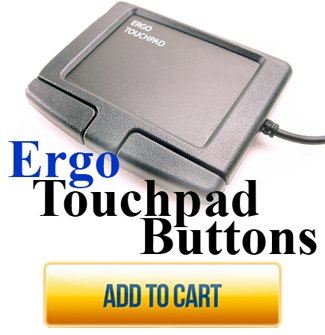
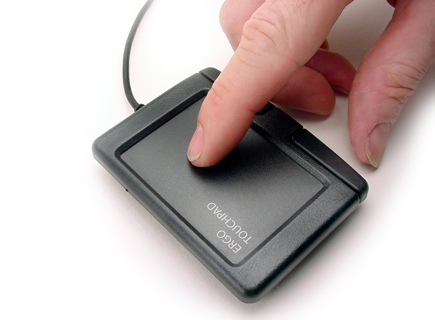
In stock, Usually ships the next day, Questions Contact Sales@ergonomictouchpad.com Ergo Touchpad Buttons have the same functions as the standard sized Ergonomic Touchpads but with left and right tap buttons enclosed in a plastic housing. USB multi touch trackpad mouse, durable and fast, Works on all computers, PC, Mac, Laptops, Desktops, Tablet PC, and more... Works right along side your current mouse or touchpad!

Buttons offer extra features for PC with Free Control Center software download.


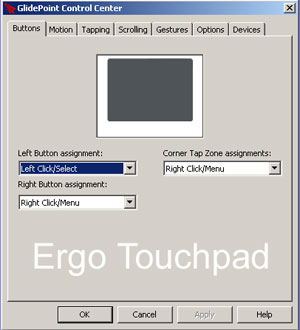
Control Center Software Buttons Tab: The upper right tap zone and touchpad buttons are programmable to over 42 different functions including left, right or middle click, double click, insert, delete, end, enter tab, minimize window, start menu, default email or web browser and assign any short cut to open up any program or web page.

Assignable functions include: Double-Click, Disabled, Left Click / Select, Right Click / Menu, Middle Click, Click-Lock, Slow Mode, Horizontal Only, Vertical Only, Insert, Delete, Home, End, Page Up, Page Down, Enter, Tab, Next Window / Tab, Previous Window / Tab, Last Window Used, Help, Context Help, Cut, Copy, Paste, Undo, Save, Print, Close Application, Maximize Window, Minimize Window, Restore Window, Minimize All Windows, Restore All Windows, Start Menu, Run, Window Center, Windows Explorer, Default Web Browser, Default Email, Default Media, GlidePoint Controls, Create New Link...


FREE TOUCHPAD PROGRAM

Our touchpads work automatically when plugged in but if you want Gestures, more speed, control, precision 8 different scrolling options, rotation, programmable features, motion extenders and much more.........
For Windows 8, Windows 7, Vista, XP and 64 bit versions


Windows:
Works with Windows 8 / Windows 7 / Vista / XP / 2000
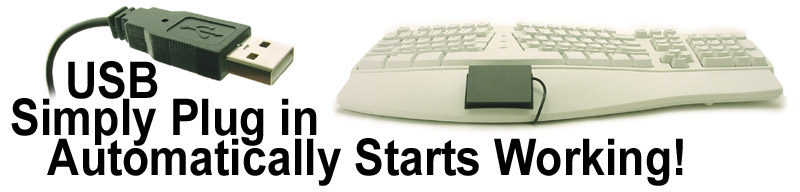
Automatically starts working when plugged in!
No drivers, downloads or discs needed
Download Free program for PC to Fine Tune Your Touchpad!
Gestures, speed, acceleration, power scroll, programable and more....
Ergo Touchpad Control Center

Macintosh:
Works like standard USB mouse
Automatically starts working when plugged in!
Tapping, Double Tapping, Vertical Scrolling, right tap, drag n drop
No drivers, downloads or discs needed

Linux:
Works like standard USB mouse
Automatically starts working when plugged in!
Tapping, Double Tapping, Vertical Scrolling, right tap, drag n drop
No drivers, downloads or discs needed

Specifications
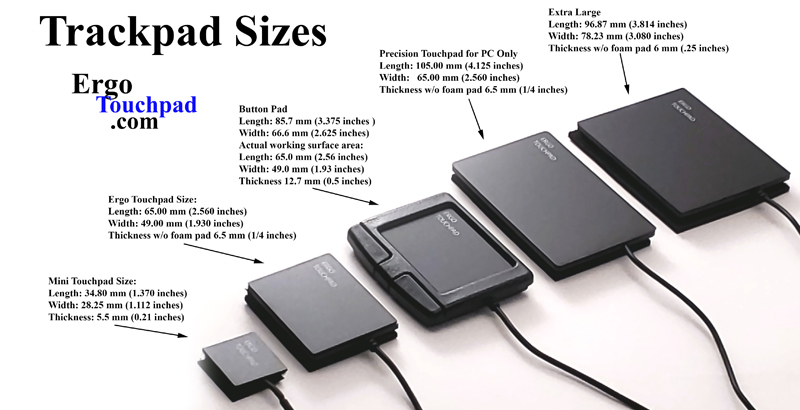
Length: 3.375 inches (85.725 mm)
Width: 2.625 inches (66.675 mm)
Actual working surface area:
Length: 2.56 inches (65.0 mm)
Width: 1.93 inches (49.0 mm)
Thickness without foam pad 0.5 inches (12.7 mm)
Comes with a 6-ft. USB cable.